





Luma Dream Machine

Your Next Scene Starts Here

Turn a prompt or photo into a moving scene with Luma Dream Machine.

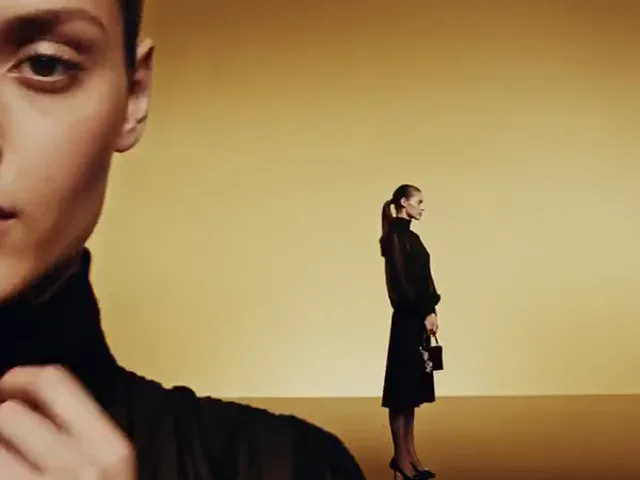
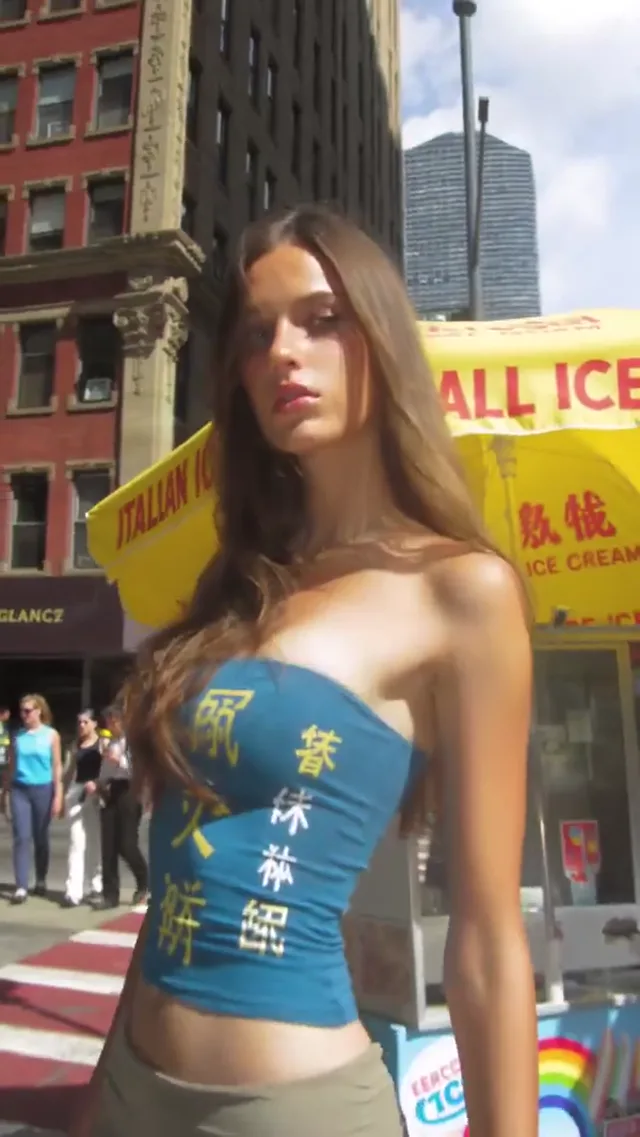
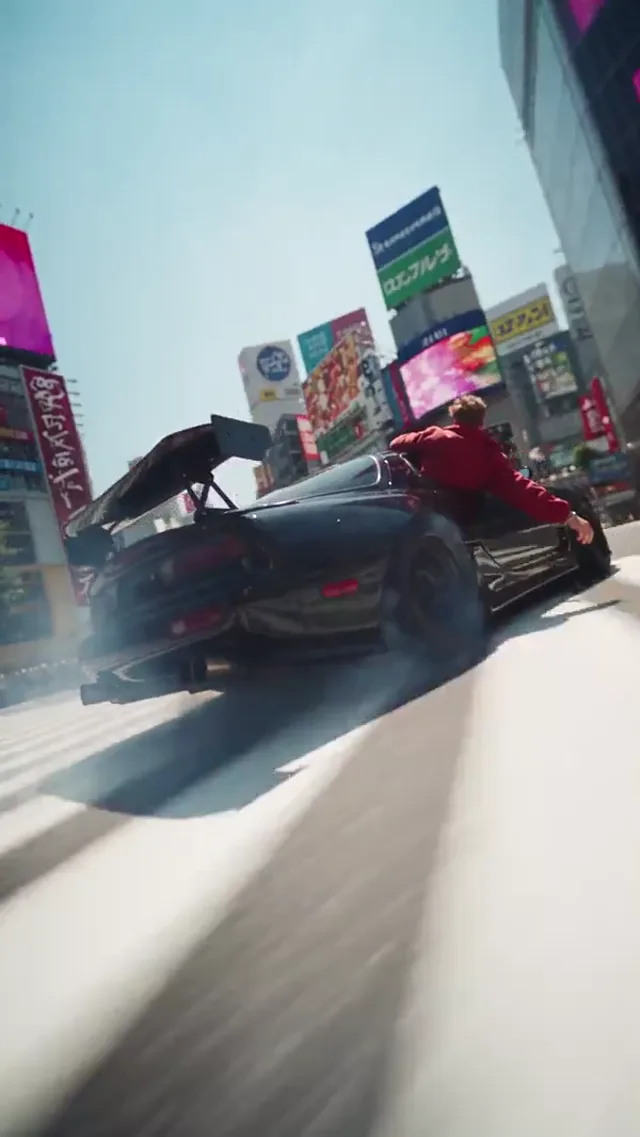
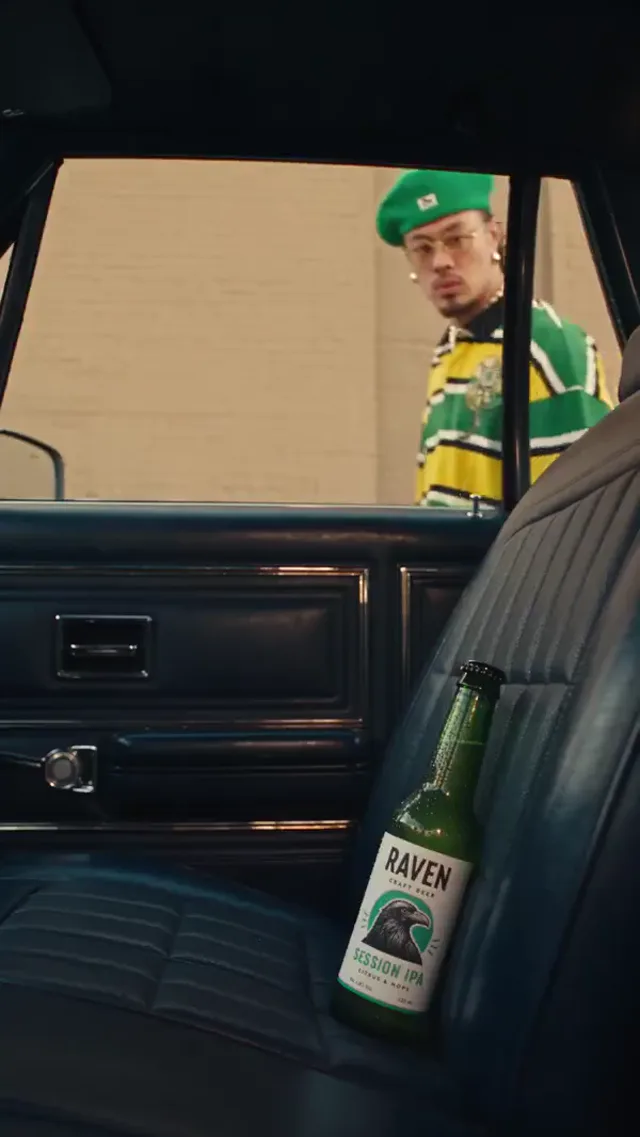
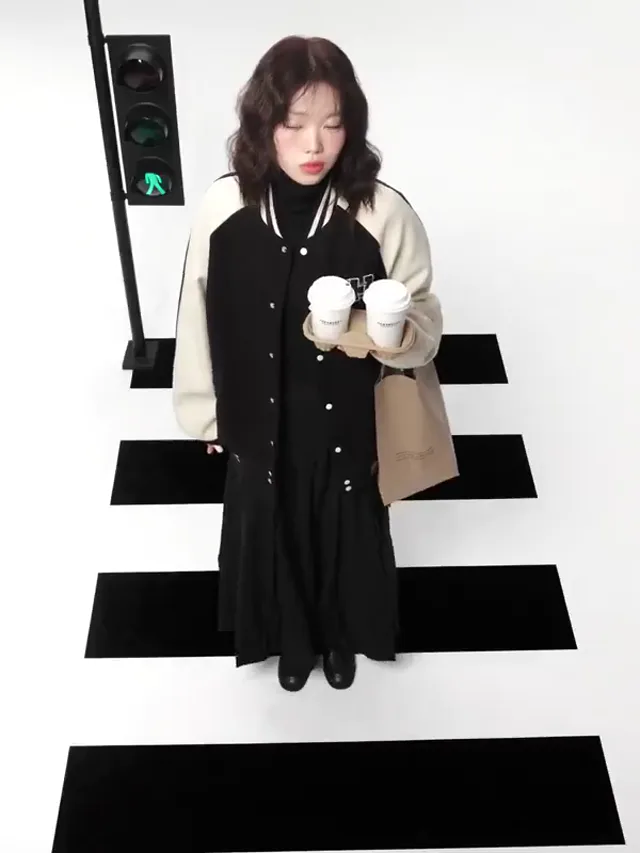
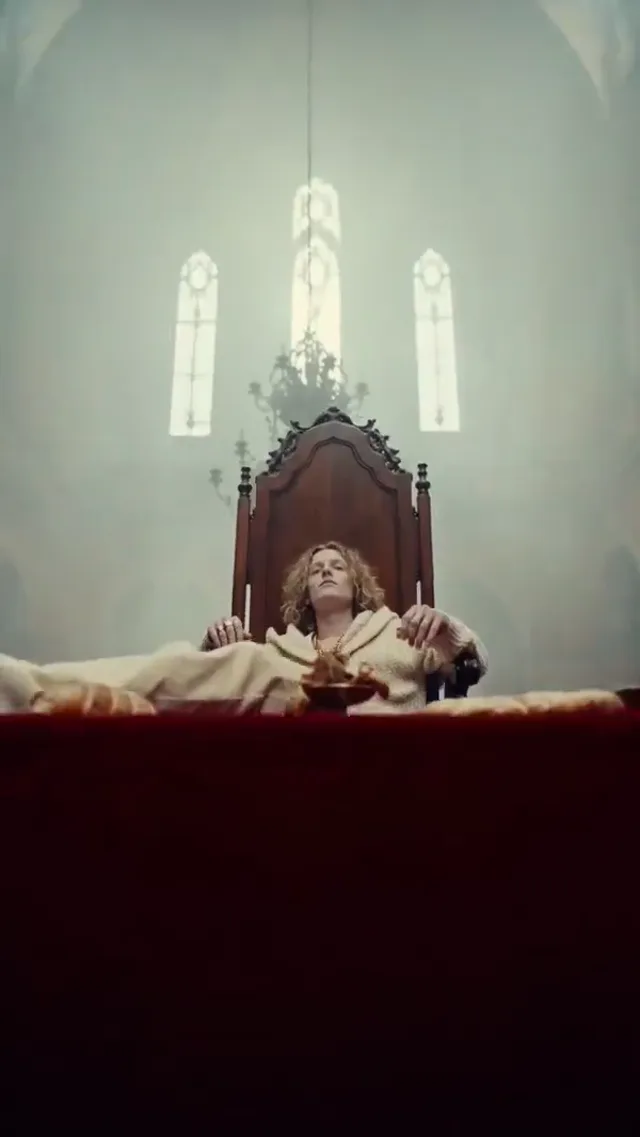
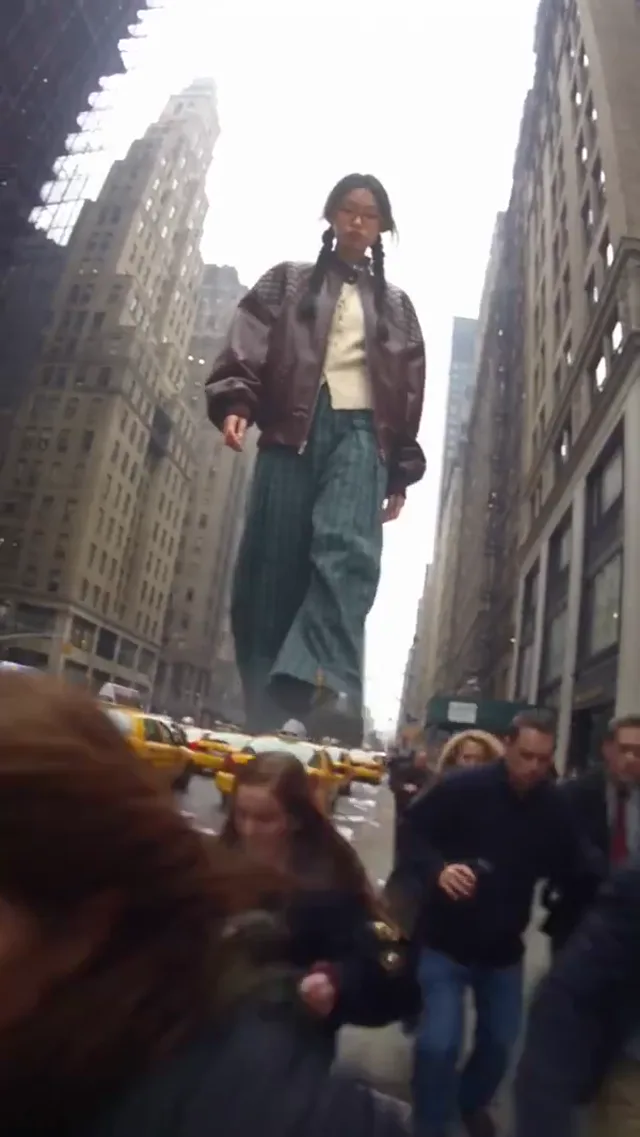
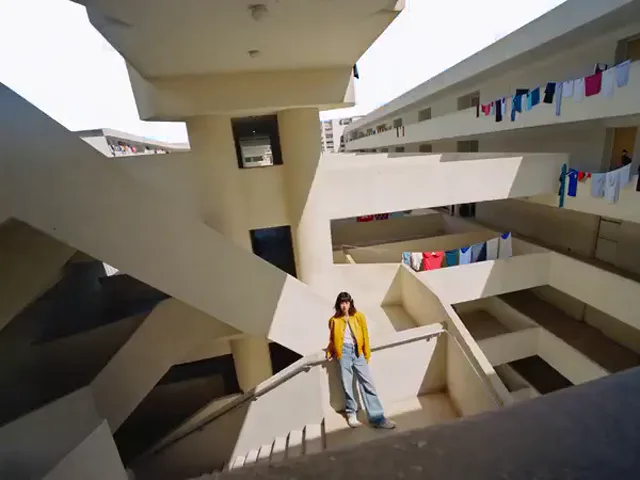
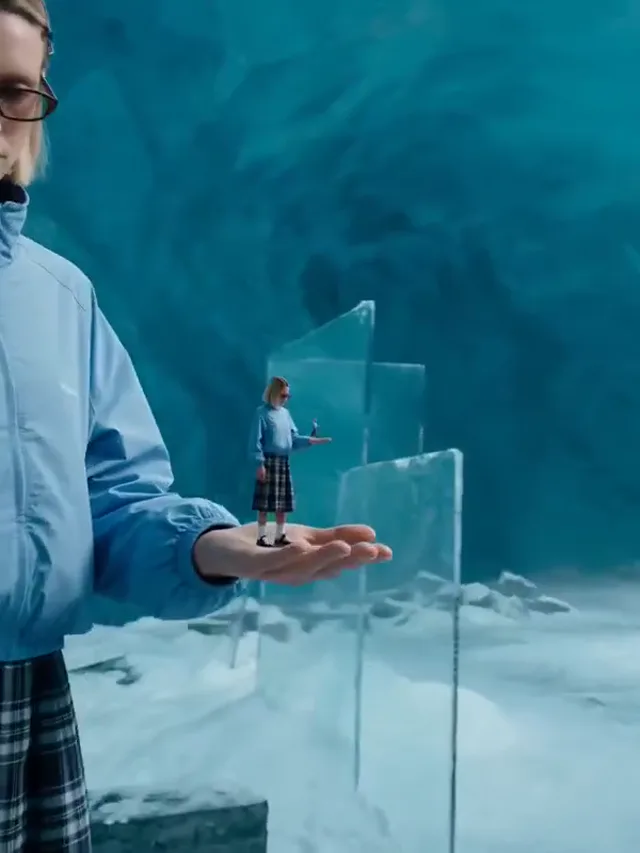
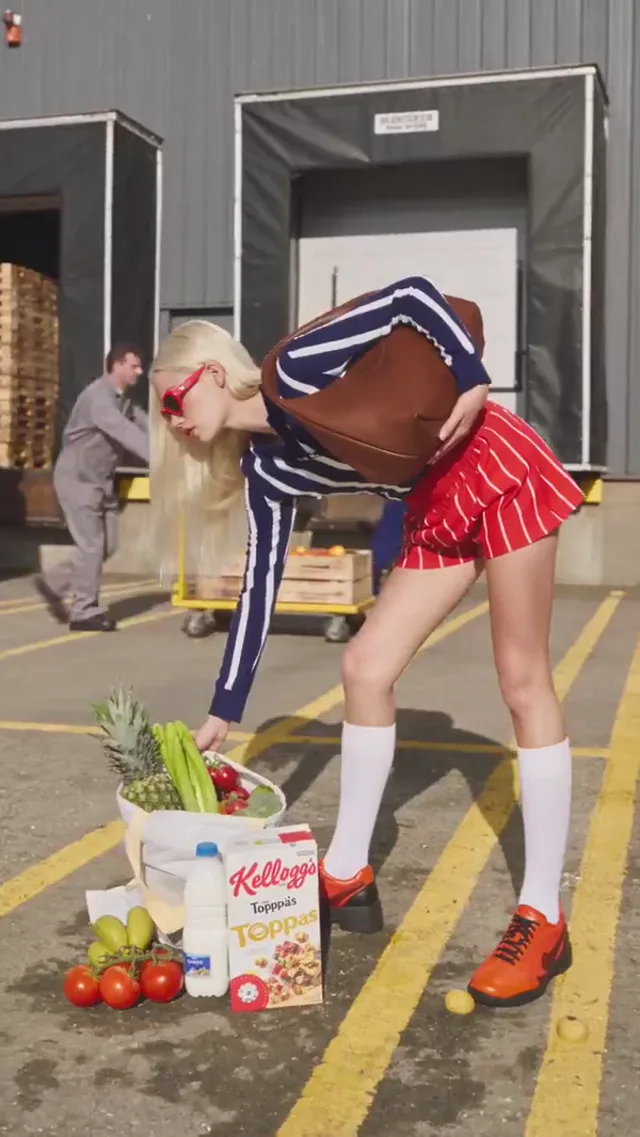
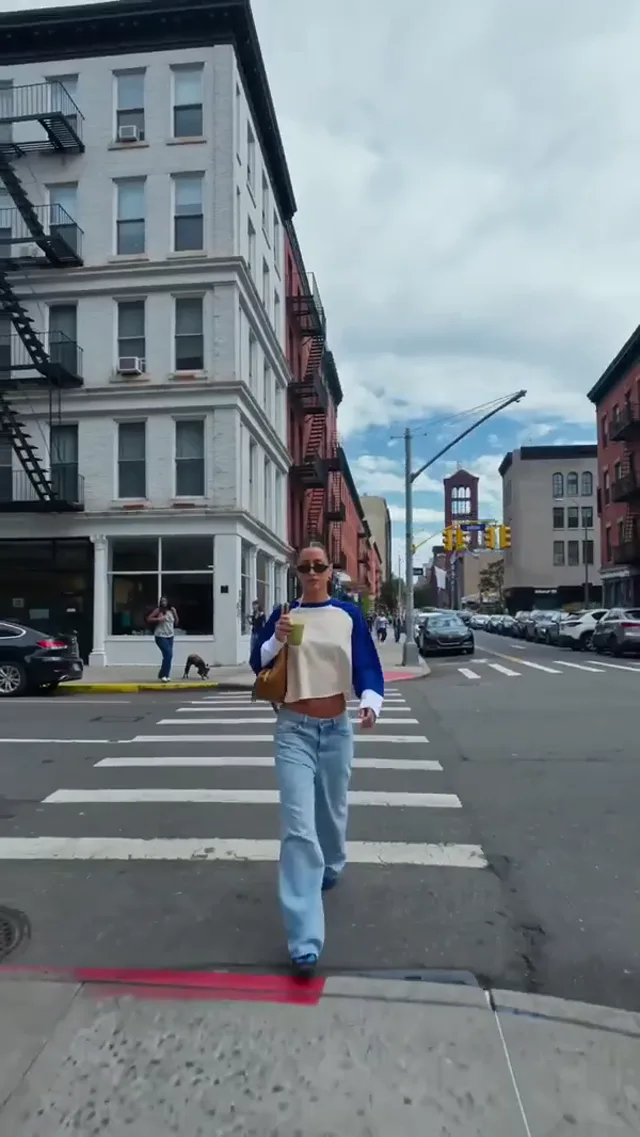
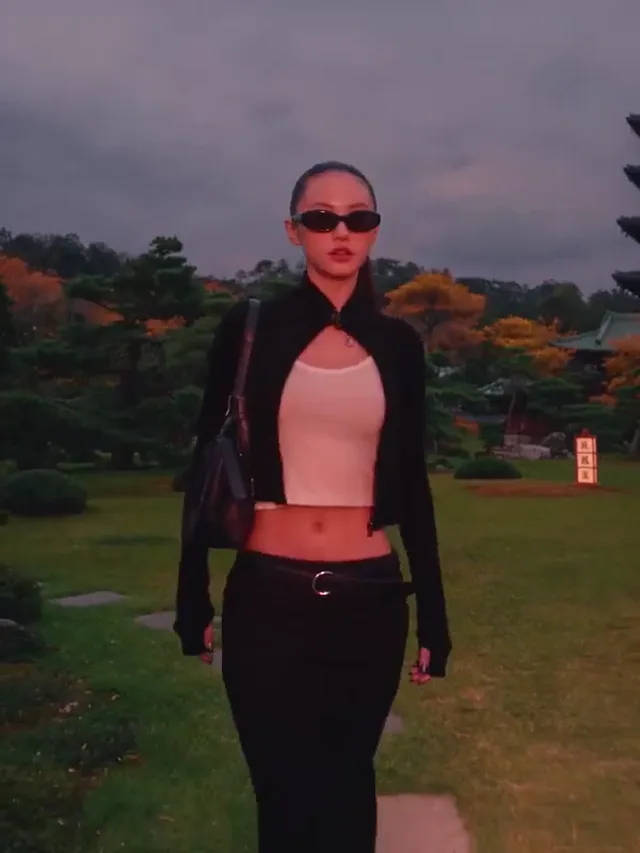
Explore Moving Scenes

Browse visual examples, then bring your own subject and motion idea to Luma Dream Machine.

Luma Dream Machine

Your Next Scene Starts Here

Create a Scene
From Brief to Scene

Who Uses Luma Dream Machine?

Explore Luma Dream Machine AI for social storytelling, product concepts, teaching, and previsualization. Choose a practical brief, then review the generated scene.

Luma Dream Machine for Social Storytelling

Open with one visual hook, such as a quiet street becoming a festival. Use Luma Dream Machine to explore that moment, leaving room for captions and checking whether the action reads on a phone.

  • One recognizable subject
  • A visible opening action
  • Room for captions
  • An intentional camera move
  • Review on a phone
Explore a Social Scene

Plan Product Videos With Luma Dream Machine AI

Explore a tabletop reveal or a lighting change from a product reference. Luma Dream Machine AI helps communicate an advertising concept; inspect packaging, proportions, and claims before presenting generated footage to customers.

  • Start with a clear packshot
  • Keep the product visible
  • Test one motion at a time
  • Inspect labels and proportions
  • Use approved claims only
Draft a Product Scene

Teach With Luma Dream Machine Illustrations

Show an illustrative seed growing underground or another classroom concept with Luma Dream Machine. Verify the explanation, identify visual simplifications, and add accessible captions rather than presenting generated scenes as documentary evidence.

  • Illustrate one concept
  • Check factual accuracy
  • Explain visual simplifications
  • Add accessible captions
  • Review before teaching
Visualize a Lesson

Previsualize With Luma Dream Machine AI

Compare a wide reveal with a tighter camera move using Luma Dream Machine AI. Share the preferred framing with collaborators before arranging equipment or locations, expecting final footage to need additional production work.

  • Compare framing choices
  • Test a restrained camera move
  • Discuss mood and lighting
  • Collect visual references
  • Plan the next iteration
Plan a Storyboard Shot

Choose a Model for the Shot

Compare the models available in Luma Dream Machine by input requirements and output controls. Keep the same brief when testing another engine.

  • Gemini Omni 1.1 Flash
  • MiniMax H3
  • HappyHorse 1.1
  • Seedance 2.0
  • Seedance 2.0 Fast
  • Seedance 2.0 Mini
  • Seedance 2.5
  • Kling 3
  • Kling 3 Turbo
  • Kling O3
  • Kling 3 Motion Control
  • Kling Avatar
  • Qwen Image 3
  • Qwen Image 3 Pro
  • GPT Image 2
  • Nano Banana 2
  • Nano Banana Pro
  • Flux 2 Pro
  • Flux 2 Flex

Why Create With Luma Dream Machine?

Luma Dream Machine AI starts with your shot brief. Choose an input, describe the motion, and compare results before committing to a finished sequence.

Create a Scene

Direct a Shot With Luma Dream Machine

Give Luma Dream Machine a subject, action, and camera direction. Judge the result against your brief, rather than choosing a clip only because it looks impressive.

Use an Image as Your Starting Point

Begin with a clear portrait, product photo, or landscape in Luma Dream Machine AI. Describe the motion, then inspect important details throughout the generated clip.

Choose How Much Direction You Need

Start with text in Luma Dream Machine for exploration, an image for visual guidance, or supported start and end frames for a planned transition.

Compare Luma Dream Machine AI Workflows

Text invites discovery, an image establishes composition, and keyframes guide transitions. Choose a Luma Dream Machine AI workflow around your available assets and desired control.

Inspect the Quote Before Generating

Check the model, duration, format, and displayed credit estimate in Luma Dream Machine. Use a small experiment to establish your prompt before choosing a larger output.

Build Clips Into a Larger Story

Review each Luma Dream Machine shot before editing it into a sequence. Add captions, licensed music, and accurate product information, checking usage terms before publishing.

How to Start With Luma Dream Machine

Keep the first experiment focused, then improve what you can see.

  1. 1

    Set the Scene

    Write one action or upload a clear reference in Luma Dream Machine. Add the camera movement and lighting you want.

  2. 2

    Review Your Settings

    Choose an available model, check its input requirements, and inspect the displayed credit quote.

  3. 3

    Watch, Refine, and Save

    Preview your Luma Dream Machine clip. Change one instruction if needed, then download the take that fits your brief.

Choose Credits for Your Workflow

Compare the displayed plans, then check the quote for your selected model and settings before generating.

Basic

For solo creators making short AI videos

$9.80$19.80/month

$117.60 billed annually

Get Started

9,600 Credits

  • Commercial Use License
  • Priority Queue
  • No Watermark
  • 4K Quality
  • Private Generations
  • Copy Protection
  • More Free AI Tools
  • Luma Dream Machine
  • Video Watermark Removal

Video Generation

  • Gemini Omni 1.1 Flash
  • MiniMax H3
  • HappyHorse 1.1
  • Seedance 2.0
  • Seedance 2.0 Fast
  • Seedance 2.0 Mini
  • Seedance 2.5
  • Kling 3
  • Kling 3 Turbo
  • Kling O3
  • Kling 3 Motion Control
  • Kling Avatar

Image Generation

  • Qwen Image 3
  • Qwen Image 3 Pro
  • GPT Image 2
  • Nano Banana 2
  • Nano Banana Pro
  • Flux 2 Pro
  • Flux 2 Flex

Popular

Pro

For teams producing AI video every week

$19.95$39.90/month

$239.40 billed annually

Get Started

57,600 Credits

  • Commercial Use License
  • Priority Queue
  • No Watermark
  • 4K Quality
  • Batch Processing
  • Private Generations
  • Copy Protection
  • More Free AI Tools
  • Custom Enterprise Service
  • Luma Dream Machine
  • Video Watermark Removal

Video Generation

  • Gemini Omni 1.1 Flash
  • MiniMax H3
  • HappyHorse 1.1
  • Seedance 2.0
  • Seedance 2.0 Fast
  • Seedance 2.0 Mini
  • Seedance 2.5
  • Kling 3
  • Kling 3 Turbo
  • Kling O3
  • Kling 3 Motion Control
  • Kling Avatar

Image Generation

  • Qwen Image 3
  • Qwen Image 3 Pro
  • GPT Image 2
  • Nano Banana 2
  • Nano Banana Pro
  • Flux 2 Pro
  • Flux 2 Flex

Ultra

For studios generating AI video at scale

$99.95$199.90/month

$1,199.40 billed annually

Get Started

360,000 Credits

  • Commercial Use License
  • Priority Queue
  • No Watermark
  • 4K Quality
  • Batch Processing
  • Private Generations
  • Copy Protection
  • More Free AI Tools
  • Custom Enterprise Service
  • Dedicated Support
  • Luma Dream Machine
  • Video Watermark Removal

Video Generation

  • Gemini Omni 1.1 Flash
  • MiniMax H3
  • HappyHorse 1.1
  • Seedance 2.0
  • Seedance 2.0 Fast
  • Seedance 2.0 Mini
  • Seedance 2.5
  • Kling 3
  • Kling 3 Turbo
  • Kling O3
  • Kling 3 Motion Control
  • Kling Avatar

Image Generation

  • Qwen Image 3
  • Qwen Image 3 Pro
  • GPT Image 2
  • Nano Banana 2
  • Nano Banana Pro
  • Flux 2 Pro
  • Flux 2 Flex

Questions about your plan? Reach us atContact the Team

Luma Dream Machine Questions, Answered

Practical guidance on prompts, workflows, credits, and reviewing a scene before you publish.

What can I make with Luma Dream Machine?

Use Luma Dream Machine AI for social hooks, product concepts, and storyboard ideas. Start with text or an image; available inputs depend on the model. Review generated details before publishing.

How do I begin a Luma Dream Machine video?

Choose a Luma Dream Machine workflow, add your prompt or image, and select settings. Check the credit quote, submit, then preview the result before refining one instruction.

Who should use Luma Dream Machine AI?

Luma Dream Machine helps creators, sellers, teachers, and filmmakers explore visual ideas. Choose Luma Dream Machine AI when a moving reference serves your brief, not when you need documentary evidence.

Why use Luma Dream Machine before a shoot?

Explore framing, atmosphere, or transitions with Luma Dream Machine AI before a shoot. Use the result for discussion; location planning, safety checks, and work with actors remain separate.

Luma Dream Machine: text to video vs image to video vs keyframes?

Text in Luma Dream Machine invites discovery; images establish composition; supported keyframes guide transitions. Compare the same brief, judging subject fidelity, readable action, and a useful ending.

What makes a useful Luma Dream Machine AI prompt?

Give Luma Dream Machine a subject, action, lighting, and camera direction: a paper boat crosses a sunrise puddle as the camera tracks beside it. Avoid contradictory movements.

How do I direct camera movement in Luma Dream Machine?

In Luma Dream Machine AI, separate subject action from camera movement: a cyclist advances while the camera stays fixed. Start with one restrained move and simplify instructions if framing drifts.

Can Luma Dream Machine animate a product photo?

Upload a permitted product reference in Luma Dream Machine AI. Request a modest reveal or lighting change, then inspect packaging, proportions, and logos. Never imply an unverified product capability.

Can Luma Dream Machine AI keep a character recognizable?

Keep references, clothing, and framing stable in Luma Dream Machine. Luma Dream Machine AI cannot guarantee identical faces or accessories; inspect short actions before assembling a longer sequence.

What should I try when a Luma Dream Machine scene looks wrong?

Identify one problem in Luma Dream Machine AI, such as excessive motion or distorted objects. Change only that instruction or reference, then compare again to see what helped.

How much does Luma Dream Machine AI cost?

Consult current plans and the displayed Luma Dream Machine quote. Luma Dream Machine AI costs vary with model, duration, resolution, and options; check allowances rather than assuming a fixed price.

Is there a free Luma Dream Machine AI option?

Check current offers before starting. Luma Dream Machine may require sign-in and credits, without unlimited free rendering. Compare any introductory allowance with your selected quote before submission.

Can I use Luma Dream Machine clips in client work?

Before using Luma Dream Machine AI commercially, check plan terms and input permissions for artwork, likenesses, trademarks, and music. Obtain client approval for final assets and advertising claims.

Which formats does Luma Dream Machine support?

Check your Luma Dream Machine AI model for supported ratios, durations, and resolutions. Choose for the destination, leaving caption space; maximum settings are not available in every workflow.

Can I add sound and captions?

Check audio options in your Luma Dream Machine workflow. Luma Dream Machine AI output may need captions, narration, and music in an editor; verify speech accuracy and publishing permissions.

How long does a Luma Dream Machine render take?

Luma Dream Machine AI processing depends on settings, service availability, and queue conditions. Follow task progress, check stalled tasks before resubmitting, and include the task identifier when contacting support.

Can I work with Luma Dream Machine on a phone?

Luma Dream Machine works in suitable mobile and desktop browsers without a dedicated app. Upload and playback limits vary; a larger screen helps inspect faces, labels, and frame edges.

How do I compare two Luma Dream Machine AI results?

Compare Luma Dream Machine results with consistent references, prompts, and formats. Change one variable. Judge Luma Dream Machine AI takes by readable action and stable details, not spectacle alone.

Where do I find completed Luma Dream Machine projects?

Find completed Luma Dream Machine clips in My Videos and stills in My Images where available. Download approved assets and record settings. Share task identifiers with support, never passwords.

What should I check before publishing?

Review each Luma Dream Machine AI clip for faces, hands, logos, text, and factual claims. Confirm rights and usage terms, add captions, and label synthetic material appropriately before publishing.

Make Your First Luma Dream Machine Scene

Give Luma Dream Machine one clear idea. Preview the result, refine the motion, and choose your next shot.